How I Migrated a WordPress Site to Lesstruct: A Practical Guide
Ten years ago, back in 2016, a friend asked me to build a web app with an intriguing premise: anyone could register as a journalist, influencer, or other content creator. Admins would review and approve or reject each registration. Approved authors could then submit posts or articles explaining how they covered my friend's product on their own websites or social media.
Each submission went through another approval step. Once accepted, it received a score from 1 to 3 based on content quality. The system used those scores to rank authors by month, year, and all time, and it could export author data, especially points, to CSV. My friend would then reward the top-ranked authors. In short, it was gamification for article writing.
That's the business in a nutshell. The real operation had more moving parts, but this captures the core flow and how I eventually solved it with Lesstruct. Let's dive in.
I chose WordPress and bought a premium theme to make it happen. The theme alone wasn't enough, and my friend wasn't happy at first, so I extended it with a child theme and custom plugins.
Here are the main plugins I used:
Advanced Custom Fields: to build custom fields for posts, a staple in custom WordPress projects.
Custom Post Type UI: to build custom post types with a visual interface, another WordPress staple.
Elementor: the drag-and-drop website and page builder.
ProfilePress: for registration approval and user profile pictures.
Yoast SEO: to customize titles, slugs, and meta descriptions when admins needed it.
I leaned on plugins for the technical heavy lifting, but I won't dig into the code here, this is about the business.
Advanced Custom Fields
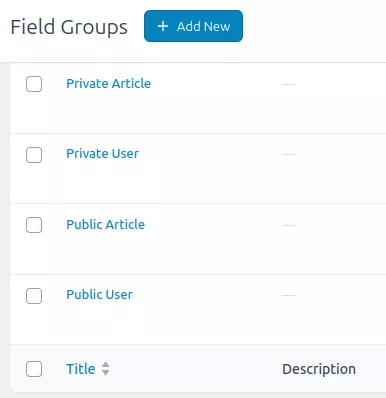
I organized custom fields into two groups for both articles and users: Private and Public. The Private fields were reserved for admin-only data, invisible to regular users.
Custom Post Type UI
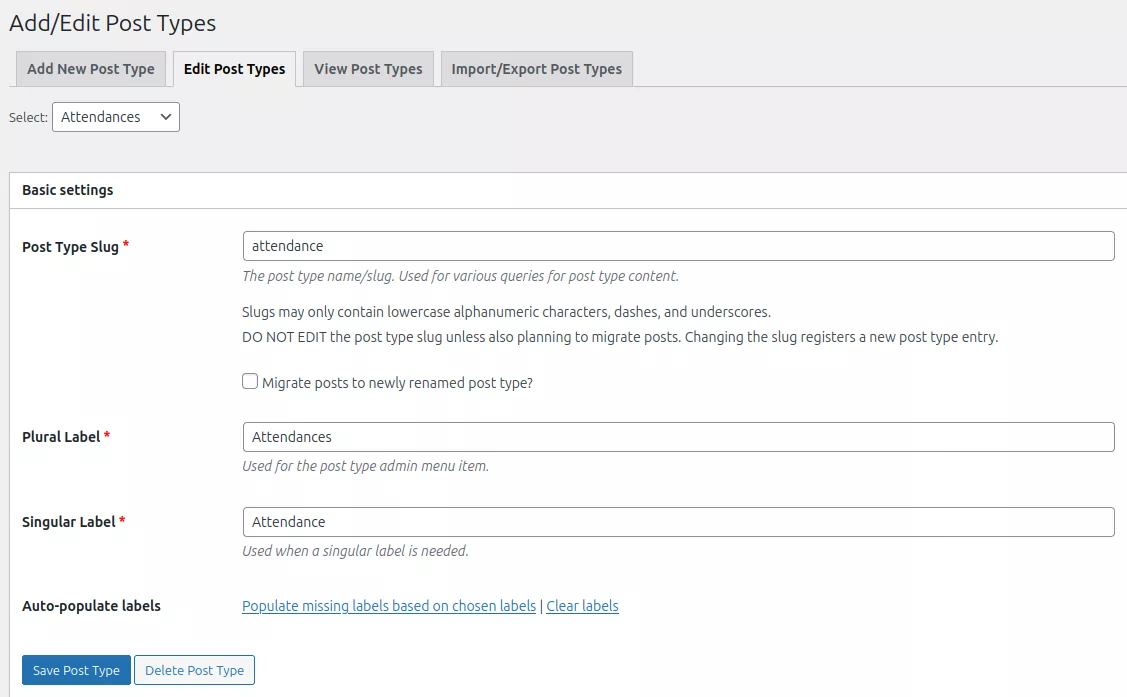
Custom Post Type UI made it easy to register custom post types through a visual interface. I used it to build an attendance post type for logging who showed up at events. Looking back, that feature was poor design, a separate attendance system would have been better. At the time, though, I didn't know how to connect that data back to users, so I took the simplest route: in WordPress, a new entry type equals a new custom post type. It was a quick decision I'd make differently today.
Elementor
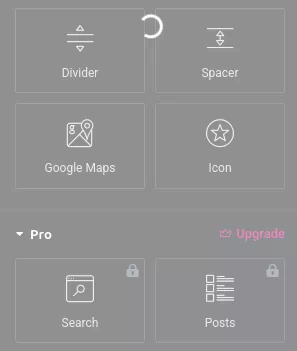
Elementor was arguably the most valuable plugin in this project. It gave us drag-and-drop page building with live previews. My friend needed some practice to feel comfortable, but once they got the hang of it, it was easy to use. The downsides: pages loaded slowly, and the full feature set wasn't available in the free tier.
ProfilePress
I chose ProfilePress mainly for registration approval and user profile pictures. I'd assumed WordPress handled those with minimal configuration, but even these basics required a plugin, and this one came with far more features than I needed.
Yoast SEO
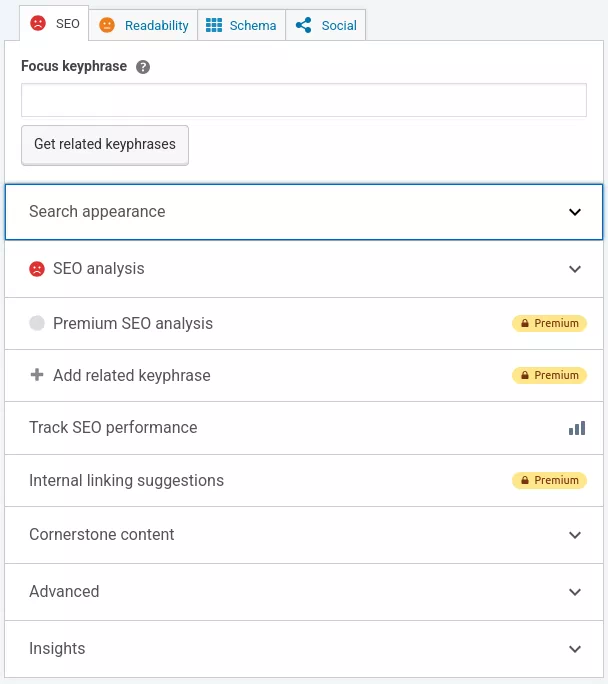
I installed Yoast in case my friend wanted to customize meta descriptions. It brought a lot of extra options that neither of us fully understood, and in the end we rarely used it.
Problems
After ten years, we ran into several production issues.
Disk storage filled up quickly. Images were stored in their original format and duplicated into many sizes, and the premium theme generated even more sizes.
The ranking system became slow to load and generate. Calculating ranks on the fly was my mistake, and the CSV export suffered from the same problem.
Those two were the main problems. There were also page speed concerns, but they weren't the core business issue.
I could have fixed the ranking problem by recalculating after each post was published, but with around a million articles, that would have been a huge effort.
Lesstruct
After a decade, I decided to revamp the site by migrating it to Lesstruct for the long haul. Here's why:
The company behind the premium WordPress theme I'd bought went out of business, so updates stopped coming. Not that we needed them much, but it was a clear sign.
Lesstruct is built in GoLang, which makes it blazing fast and removes the need for
php-fpm.Lesstruct has custom fields, post types, and user roles built in. No more plugin dependencies, everything lives in a single
config.tomlfile. That alone is a killer feature.Registration and content approval come by default in Lesstruct. Just activate them in
config.toml, no plugin required.Lesstruct doesn't include a drag-and-drop page builder, but it offers rich WYSIWYG, HTML, and CSS editors. Need a complicated page? Ask the built-in AI assistant, just bring your own API key.
Lesstruct includes a built-in WordPress import feature that can even bring in custom fields and images. Elementor pages were trickier, though, because they were stored as separate entries. So I used AI to build a custom migration that converted those Elementor pages into HTML/CSS.
Lesstruct renders server-side by default, so I didn't need a separate front-end project like I would with a typical headless CMS, I only had to transform the old theme into a Lesstruct theme. For the Elementor pages, I created custom templates named like <custom-post-type>_<slug>.html.
The CSV export used to be a custom menu in the WordPress admin panel. In the new system, I wrote a custom Python script to export the data to CSV. Since the rank and points are public, it runs manually once a month.
I also wrote a shell script to minify the stylesheet:
#!/bin/bash
set -e

THEME_DIR="$(cd "$(dirname "$0")/.." && pwd)"
STATIC_DIR="$THEME_DIR/static"

echo "=== Building theme assets ==="

# Minify CSS (versioning handled by core's {{assetURL}})
if [ -f "$STATIC_DIR/style.src.css" ]; then
  minify -o "$STATIC_DIR/style.css" "$STATIC_DIR/style.src.css"
  echo "Minified style.src.css -> style.css ($(wc -c < "$STATIC_DIR/style.css") bytes)"
else
  echo "ERROR: style.src.css not found"
  exit 1
fi

echo "=== Done ==="
In total, I ended up writing just one custom Lesstruct plugin to calculate author points and ranking on the fly.
Related Articles
- How I Migrated a Hugo Site to Lesstruct: A Practical Guide
- Converting WordPress to Pimcore
- Ghost
- WordPress